
App Launch Press Release Checklist: What to Include Before Publishing

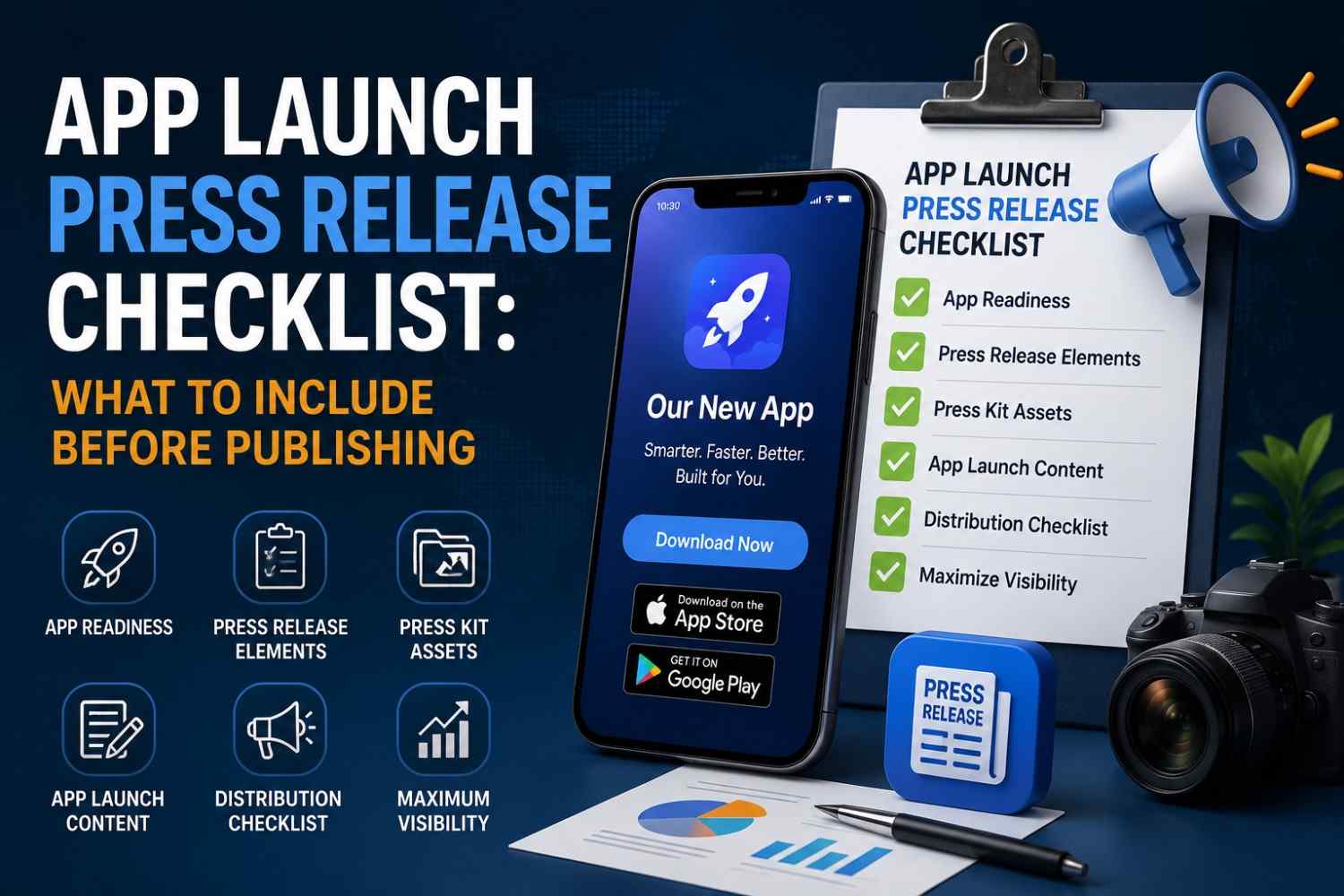
App Launch Press Release Checklist: What to Include Before Publishing
By King Newswire PR Team | 10+ Years Experience | 5,000+ Brands Served Globally | Reviewed by Senior PR Specialists
Launching a mobile app takes planning, testing, and clear communication. But most of the businesses post their app announcement without reviewing the most significant information. This can lead to missing links, weak messaging, poor media response, and fewer downloads.
The use of mobiles is ever-increasing all over the world. According to DataReportal, 70.4% of the global population owns a mobile phone, with 5.83 billion unique mobile users. This shows why app launches need clear communication and strong visibility.
That is why an app launch press release checklist will make you check all the main things prior to publication. It clarifies, makes your announcement complete and prepares it for journalists, users, and search engines. All details are important, including app description and press kit resources, SEO, media relations, and release time. King Newswire assists companies with news of launching apps through its App Launch Press Release Service. In this guide, you will learn what to include before publishing an app launch press release and how to prepare it for better visibility.
App Readiness Checklist Before Publishing
Before you publish an app launch press release, check that your app is ready. A press release can bring users, media attention, and downloads. However, users may leave if the app has errors. Thus, issues should be addressed prior to the rollout. This measure will assist you in generating trust and making a good initial impression.
App Testing
Test your app and then announce. Test the core functionality, buttons, forms, and user flow. Also, check it on various phones, tablets and screens. This assists you in locating bugs at an early stage. This makes users experience a better app after launching.
Store Approval
Make sure the App Store or Google Play has approved your app. When the app is not approved, users will be unable to download it. This can hurt your launch. Thus, verify the consent prior to releasing your press statement.
Download Links
Verify download links before release. Add links to Google Play, App Store or the landing page of your app. Additionally, click all links on mobile and desktop. This can be generated by broken links, which are a waste of traffic and trust. Test them, therefore, with care.
Landing Page
Design an effective opening page for your application. Describe the functionality of the app and who it benefits. Additionally, include app features, screenshots, pricing, and a call to action. The following page is in support of your press release. It also enables visitors to convert into users.
Support Links
Include support links prior to launch. These links can be a contact page, a help centre, a privacy policy, a terms page, or an FAQ page. Users and journalists will be able to verify them prior to trusting your app. Thus, ensure that every page performs well.
Reliable operation is essential as users are concerned about the security and privacy of the apps. In 2025, Google announced that it prevented 266 million dangerous installation attempts and assisted users in getting secure against 872,000 risky applications.
Tracking Setup
Install tracking prior to publishing. Monitor visits, downloads, signups, and user activities. This aids in measuring your launch success. In addition, tracking shows which media links bring the best traffic.
Main App Press Release Elements
In 2026, your press release should do more than announce the launch. It must give the usage, business, target users, and actual worth of the app. This assists media houses, search engines and artificial intelligence search engines in getting a better understanding of the announcement.
App Name
Include the application name in the headline, introduction and the body. This aids the readers in recalling it. It also assists the search engines in comprehending the launch news.
Company Name
Bring up the name of the company at the beginning. This indicates the creator of the app. Also, it builds trust with users and journalists. To provide context, type the name of the company, including a brief description such as ABC Tech, a mobile productivity company.
Launch Date
Include the launch date. Inform readers about the time of the app’s availability. When the app is live, indicate it.
Strong Headline
Prepare an effective headline. Add the name of the app and the general news. Avoid long or confusing words.
For 2026 SEO, the headline should use brand context. Rather than saying Company X launches new app you can say Company X, a mobile productivity platform, launches a task management app to remote teams. This aids Google and AI applications to comprehend the business, type of app and intended audience. To amplify your headline’s reach, distribute your release through premium channels like Bloomberg Press Release Distribution that ensure your branded headline appears on high-authority financial and tech news platforms.
Short Summary
Include a brief overview below the headline. Explain what the app does and why it matters in one or two lines.
Opening Paragraph
Respond to the general questions. Include mention of who launched the app, what it does, where to get it, and make it useful.
App Purpose
Give the purpose of the app. Let readers know what is the problem it has solved. Besides, demonstrate its usefulness to users.
Key Features
Discuss the key features. Give attention to the needs of users. Do not add too many details, however.
User Benefits
Discuss the benefits of the app to users. Demonstrate how it saves time, resolves issues, or enhances their work.
Target Audience
Indicate the app recipient. This assists journalists in their knowledge of the market. It also aids users in understanding whether the app is suitable for them.
Pricing Details
Include price information where appropriate. Indicate whether the app is free, paid, subscription or freemium.
Founder Quote
Incorporate a brief quotation of the founder or CEO. It must give the purpose of the app. Keep it natural.
Store Links
Include links to the App Store, Google Play, or a site. Additionally, check all links prior to publication.
Boilerplate
Add a short company boilerplate. Provide an explanation of the company, what it does and whom it serves.
Media Contact
Include media contact information. Add the name, email, phone number, and website.
Mobile App Press Kit Checklist
A mobile app press kit provides the information necessary to enable journalists to cover your app. It is time-saving and more helpful in your announcement. In addition, it assists media teams in transferring accurate information concerning your app. Thus, make your press kit ready before releasing the press release.
E-E-A-T is also supported by a strong press kit. It provides evidence that the app, founder and company actually exist.
App Logo
Include a quality app logo. Keep the ordinary ones, such as PNG or JPG. Additionally, ensure that the logo is attractive on light and dark backgrounds.
App Icon
Add the application icon in various proportions. It can be used by journalists for articles, app reviews, or news posts. So, present to them a clean and sharp version.
Screenshots
Includes clear screenshots of the apps. Demonstrate the key screens, functionality, and flow. Also, display actual app images rather than sample designs. This assists the readers in getting a quick grasp of the app.
Demo Video
Add a little demo video, where necessary. Demonstrate the functionality of the app and what users can accomplish. An intro video can be created to make your application more engaging.
Founder Bio
Include a concise bio of the founder. Include the name of the founder, position and experience. Additionally, discuss the reason why they developed the app. This makes it human and aids E-E-A-T.
Company Info
Insert the company’s basic details. Include the name of the company, site, address and brief history. This assists journalists in knowing who is behind the app.
Fact Sheet
Develop a basic fact sheet. Include the name of the app, its launch date, features, price, platform and download option. Consequently, journalists will be able to locate important details within a short time.
Media Folder
Combine all files of press kits in a single folder. Include logos, screenshots, videos, bios, and fact sheets. In addition, ensure that the folder link is functional for all. This simplifies access to the media.
App Launch Content Checklist
The content of your app launch must be concise, informative and readable. Journalists are expected to know the news without making additional efforts. Users are also supposed to know the reasons why the app is worth trying. Thus, consider every factual point prior to publishing your press release.
Good content also assists search engines in comprehending the subject matter. The most successful press releases are those in 2026 with natural keywords, actual information, and credible evidence.
Clear Message
Begin with a definite message. Describe what the app does using simple language. Long sentences and complicated words should also be avoided. An authentic message helps the readers grasp the app within a short time.
Strong News Angle
Include a good news angle. Explain why this launch is important at this time. As an example, the application can address a widespread issue, conquer a developing market, or provide an enhanced user experience. This renders the story more worthy.
Simple Language
Use simple language in the full press release. Do not use buzzwords and thick marketing lines. Rather, be direct in your writing. Consequently, journalists and users are able to grasp the announcement in a very short time.
Real Benefits
Dwelling on tangible advantages. Do not only list features. Demonstrate how this application can save time, address problems, or accomplish tasks with ease. This renders the content of your app launch proceedings more useful.
Proof Points
Add proof points when possible. You might add user response, beta performance, fact in market, app milestones or initial downloads. These facts back up your arguments and create credibility.
According to the 2024 State of the Media Report by Cision, 72% of journalists consider press releases prepared by PR professionals useful, and 42% of journalists express that credibility is the most significant issue.
Apple also announced that the App Store ecosystem enabled more than $1.4 trillion in developer billings and sales in 2025.
Clear CTA
Included a clear call to action. Tell readers what to do next. As an example, request them to download the app, visit the site, sign up for the waitlist, or reach out to the media team. A clear CTA guides users after they read the news.
Final Editing
Check to read the entire post before posting. Evaluate grammar, spelling, links, names, and dates. Also, eliminate repetition of words and weak lines. This last step will clean your press release and make it look professional.
Press Release Distribution Checklist
When you write your app launch press release, you should plan how to distribute it across verified media outlets. Good distribution contributes to your news being accessible on media sites, app users, and journalists. But poor distribution can curtail your performance. So, consider every step before publishing.
Distribution Platform
Select a reliable distribution system. It must release your app launch news in the appropriate media. Also, ensure that it suits your industry and target location. For maximum reach, consider platforms that can feature your news on outlets like Yahoo Finance, AP News, Business Insider, and USA Today for broader audience coverage.
Businesses can also use King Newswire’s App Launch Press Release Service to publish and distribute app launch news across relevant media channels.
Industry Category
Select the appropriate classification. In the case of an app launch, select technology, mobile apps, software, startups, or business. This will aid your press release in reaching the appropriate readers.
Publish Date
Choose a nice date of publication. Do not use weekends, holidays or hectic news days. It is also important to publish when your app links are active. This helps users download the app without problems.
Media Assets
Append all media before submitting. Add the logo of the app, screenshots, a demonstration video, and a photo of the founder. Therefore, they can be easily used by journalists.
Link Check
Check all links prior to the distribution. Check App Store links, Google Play links, site links and press kit links. Faulty links may diminish confidence. Hence, check them both on mobile and desktop.
Newsroom Post
Post the press release in your newsroom or on your website. This provides your news with a permanent location on the Internet. Moreover, it aids users, journalists and search engines in locating your app launch in the future. You can also submit and track your published releases through the King Newswire News Room for better online indexing.
Conclusion
The press release about the launch of an app is most effective when all the details are prepared prior to its release. An app launch press release checklist thus aids you in checking the app, content, press kit, links, and distribution strategy. You can also use it to prevent errors that may diminish media interest and trust of the users.
Prior to release, test your app, create powerful content, include clear download links, and share helpful media assets. In addition, select an appropriate distribution channel to ensure that your news is delivered to journalists and consumable by users earlier. King Newswire helps businesses publish and distribute app launch announcements through its App Launch Press Release Service. You can simplify the process of releasing your app with the right checklist and make it more visible and successful.
FAQs
What should an app launch press release include?
It should include the app name, company name, launch date, app purpose, key features, benefits, pricing, download links, founder quote, boilerplate, and media contact.
Why use an app launch press release checklist?
A checklist is something that will allow you to preview the app, content, links, press kit, SEO, and distribution plan prior to publishing.
What is in a mobile app press kit?
The press kit of a mobile app consists of the app logo, app icon, screenshots, demo video, the bio of the founder, company details, fact sheet and media folder link.
When should I publish an app launch press release?
Publish it when your app is approved, live, and ready for users. Check all the links and media assets also.
Can a press release increase app downloads?
Yes, it is capable of supporting downloads through the enhancement of awareness, media exposure and referral traffic.